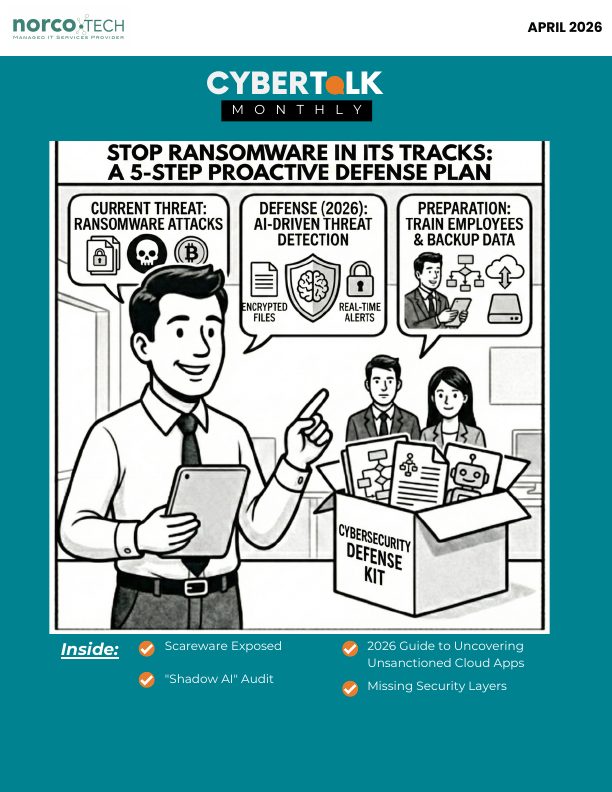
A monthly update from Norcotech
Ransomware isn't the moment the screen flashes and files stop opening. That's just the part you notice. The real story usually starts earlier, with something that looks harmless: one login slips through, one admin account has too much reach, one "we'll patch it later" system stays exposed too long.
By the time encryption begins, you're no longer in prevention mode. You're in damage control.
We've also noticed more scareware tickets from users: fake "your device is infected" alerts that rush people into clicking, calling or installing something malicious. The early stages of these attacks don't look like ransomware at all. They look like everyday noise.
Ransomware exploits the chaos that's already there. If permissions are messy and recovery is untested, you get a long, expensive week. If your fundamentals are standardized and rehearsed, you get a contained incident you can handle.
Want to move from "hope we're covered" to a baseline you can trust? Contact us at contact@norcotech.com.
Until then, stay safe.
The Norcotech Team
Stop ransomware in its tracks: a 5-step proactive defense plan
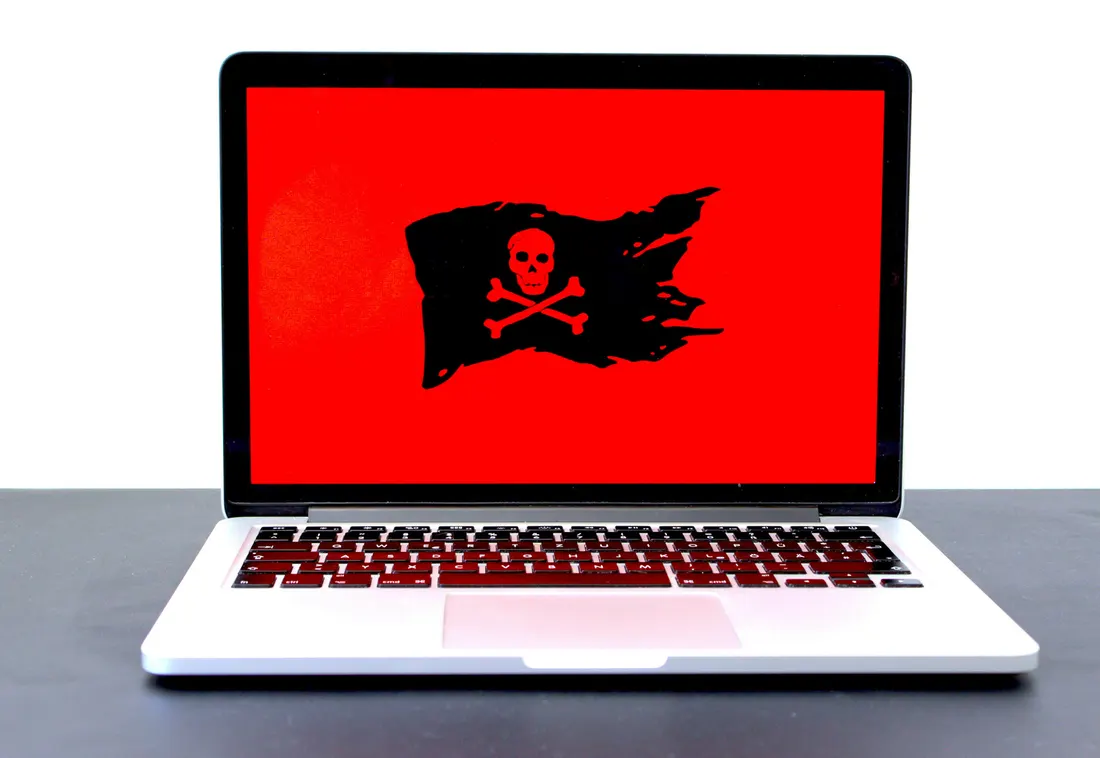
Ransomware is a slow build. It often begins days or weeks before encryption, with something mundane like a login that never should have succeeded. An effective defense is about stopping unauthorized access from gaining traction.
Step 1: Phishing-resistant sign-ins
- Enforce strong MFA across all accounts, starting with admin and remote accounts.
- Eliminate legacy authentication methods.
- Add conditional access, such as step-up verification for risky sign-ins, new devices or unusual locations.
Step 2: Least privilege and separation
- Keep administrative accounts separate from everyday user accounts.
- Eliminate shared logins and broad "everyone has access" groups.
- Limit admin tools to the people and devices that genuinely need them.
Step 3: Close known holes
- Patch critical vulnerabilities immediately, high-risk issues next and the rest on a schedule.
- Prioritize internet-facing systems and remote access.
- Cover third-party applications.
Step 4: Early detection
Use endpoint monitoring that flags suspicious behavior quickly, with clear rules for what gets escalated immediately.
Step 5: Secure, tested backups
NIST specifically calls for securing and isolating backups. Keep at least one copy isolated, run restore drills on a schedule and decide recovery priorities ahead of time.
Assess your defenses with a cybersecurity audit →Scareware exposed: how fake virus alerts trick you into risky actions
You're browsing when a sudden alert appears: "Your device is infected, act now!" It feels urgent, but it's likely fake. Scareware uses fear to push you into clicking, downloading or paying for fake fixes, often imitating antivirus tools or system alerts.
Common signs
- Fake infection alerts and fake "scan" results
- Aggressive "act now" language
- Alerts that won't close or lock your screen
- Imitation of trusted brands
How to respond
- Close the browser (use Task Manager if needed).
- Run a trusted antivirus scan and remove suspicious apps.
- Never enter personal or payment information.
How to prevent it
Keep software updated, use reliable security tools and ad blockers, avoid unfamiliar links and pop-ups, and remember that urgency is a red flag.
How to run a "shadow AI" audit without slowing down your team

It starts small. Someone uses an AI tool to polish a tricky email, or switches on an AI add-on in a SaaS app. Then it becomes routine, and it turns into a data governance issue: what's being shared, where it's going and whether you could prove what happened.
Shadow AI is the use of AI tools without IT approval or oversight. In 2026, AI is built into the apps you already use and spreads through plug-ins, extensions and third-party copilots. 38% of employees admit they've shared sensitive work information with AI tools without permission, usually just trying to work faster.
The goal isn't to block AI. It's to keep sensitive data from leaking. Contact us to build a practical shadow AI audit that adds visibility and guardrails without slowing your team down.
Put AI guardrails in place with us →The essential checklist for securing company laptops at home

- Lock the screen every time you step away.
- Store work laptops securely when not in use.
- Don't share work laptops with family members or guests.
- Use strong sign-ins and MFA on work accounts, with no exceptions for admins.
- Enable automatic updates and restart when prompted.
- Secure home Wi-Fi like it's part of the office.
- Keep the firewall and endpoint protection switched on.
- Keep work data in approved work storage, not personal cloud accounts.
The 2026 guide to uncovering unsanctioned cloud apps

Run this workflow quarterly, or continuously, to gain visibility without triggering a wave of workarounds:
- Start with discovery: build an inventory from identity logs, endpoints and network/DNS data.
- Investigate usage patterns, not just app names: public sharing, personal accounts, unusual downloads.
- Prioritize by risk: sensitive data, weak authentication and poor admin visibility come first.
- Tag apps as approved, restricted, replaced or blocked.
- Warn before you block, and always offer an approved alternative.
- Review quarterly, because new apps appear faster than policies change.
7 security layers your small business is likely missing (and how to add them)

- Phishing-resistant authentication: enforce strong MFA everywhere, starting with admin and remote access.
- Device trust and usage policies: define what a compliant device is and what happens when one isn't.
- Email and user risk controls: filtering, warnings and easy reporting.
- Continuous vulnerability and patch coverage, including third-party apps.
- Detection and response readiness: escalation rules, runbooks and practiced containment.
- Proven recovery: restore drills and recovery priorities set in advance.
- Governance that sticks: clear approved standards, with time-limited, owned exceptions.
Don't play security roulette
When was the last time your company completed security testing or awareness training? Data breaches are a part of life now, and skipping vulnerability assessments is like playing Russian roulette with your data. A Norcotech cybersecurity package protects your business without the time and expense of managing it all yourself.
Learn more about security assessments: email contact@norcotech.com or call (301) 519-0557.
Technology trivia and fun
- Which animal is used as the logo for the Firefox web browser?
- What is the name of the structure on which cryptocurrency transactions are recorded and validated?
- Which biometric method is most commonly enhanced by AI for spoof detection in smartphones?
The first person to email cybertalk@norcotech.com with the correct answers won a $10 Amazon gift card. March answers: 1. Positioning 2. Altair 8800 3. Variable.
Did you know? In every Apple iPhone advertisement, the time is set to 9:41, the moment Steve Jobs announced the first iPhone in 2007.
Refer a business
Know a business that could benefit from better IT support? Forward an introduction email to contact@norcotech.com and we will take it from there. We'll treat your referral with the same care we give every Norcotech client.
Get Cybertalk every month
Practical security tips for business owners and employees.