A monthly update from Norcotech
The AI landscape is shifting rapidly from simple chatbots to agentic AI: autonomous systems that don't just answer questions but carry out complex, multi-step tasks for you. Imagine an AI that doesn't just draft an email but updates your CRM, manages inventory and settles invoices from inbox to payment.
For your business, this means big efficiency gains. By handing repetitive busywork to AI agents, your staff can focus on strategy, creativity and client relationships.
However, agentic tools amplify whatever they touch, order or chaos. Success requires clean data and documented workflows. Without guardrails and oversight, autonomous agents can create security risks or financial errors.
The best way to prepare is to start auditing your processes today. Contact us at contact@norcotech.com for a technology consultation, and we'll help you build a reliable roadmap for AI integration.
Until then, stay safe.
The Norcotech Team
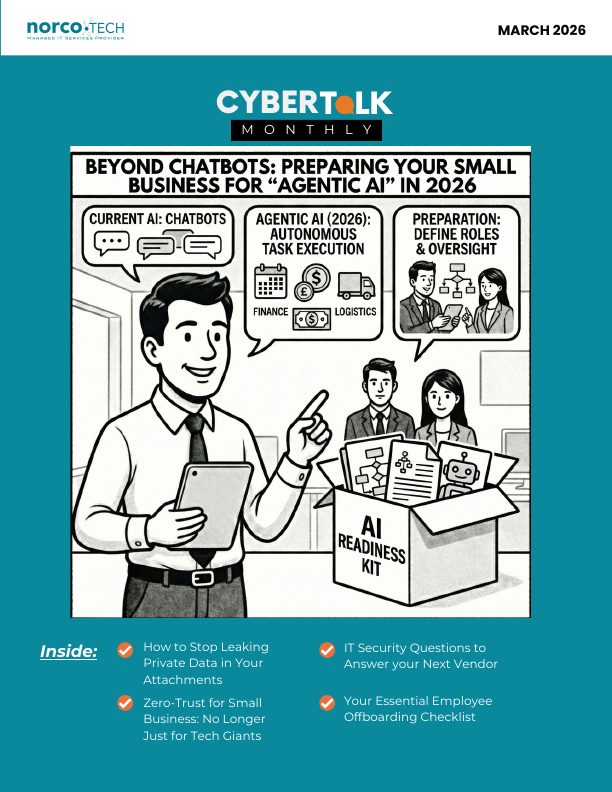
Beyond chatbots: preparing your small business for agentic AI in 2026
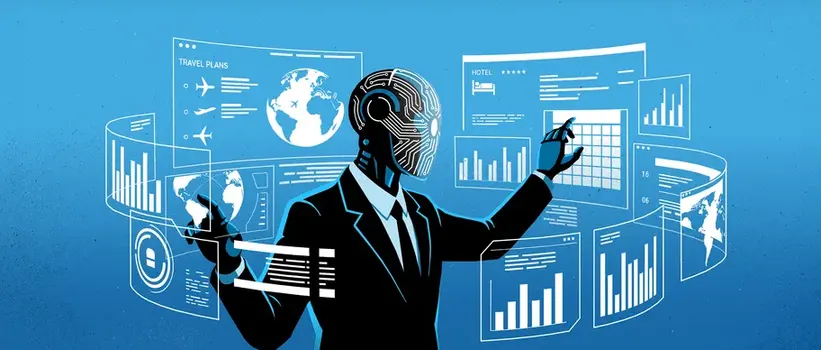
AI is moving from tools that wait for instructions to systems that work toward goals on their own. Instead of just helping with tasks, AI starts doing the work, so you can hand off whole processes and collaborate with it like a teammate.
The 2026 opportunity
Agentic AI can work around the clock, clear repetitive bottlenecks and cut errors in routine processes. It isn't about replacing your team. It's about leveling them up, while your role shifts to guiding and supervising your AI.
What you need before you launch
- Clean and organize your data. AI agents decide based on the data you give them, and bad data can lead to major errors.
- Document workflows clearly. If a person can't follow a process step by step, an AI won't be able to either.
Build your governance framework
Ask: what can the agent decide on its own? When does it need human approval? What are its spending limits? Which data may it access? Every agent needs strict least-privilege access, and regular audits of agent activity are now part of good IT hygiene.
Plan your AI integration with us →How to stop leaking private data in your attachments

When you email a Word document, PDF or photo, you send more than the content you can see. You also send metadata: a hidden "digital fingerprint" recording who created the file, when it was edited, what software was used and sometimes exactly where it was created.
Ignoring metadata has caused famous failures. In 2005, the BTK killer was caught because Word metadata on a floppy disk named "Dennis" and his church. In 2012, a magazine revealed John McAfee's location in Guatemala through the GPS data in a photo.
For a business, unscrubbed files can reveal earlier versions of a proposal, hidden Track Changes comments or when a document was really created.
How to remove metadata
- Microsoft Office: File › Info › Check for Issues › Inspect Document, then Remove All for "Document Properties and Personal Information."
- PDFs: use the Sanitize or Redact tool in your PDF editor (such as Adobe Acrobat or Foxit).
- Photos on Windows: right-click › Properties › Details › Remove Properties and Personal Information.
Make this a standard pre-send step for every contract, NDA, MSA or SOW that leaves your company.
Zero Trust for small business: no longer just for tech giants
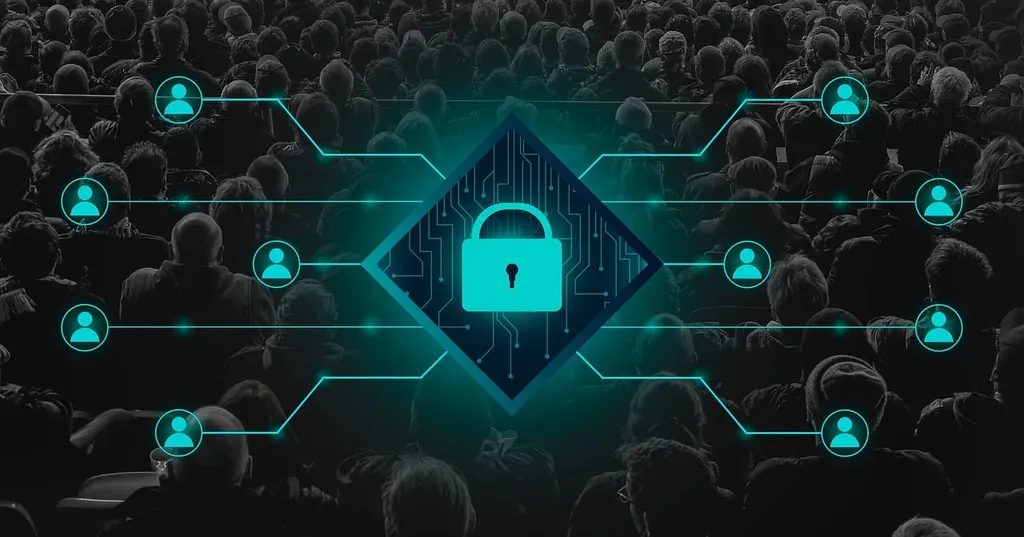
Your office has a locked front door. But once someone's inside, can they wander into the file room or the CFO's office? In a traditional network, one login often grants broad access to everything. Zero Trust treats trust itself as a vulnerability and verifies every access attempt, wherever it comes from.
For years, Zero Trust seemed too complex for smaller teams. Today it's a practical, scalable defense. It's less about building taller walls and more about placing checkpoints at every door.
Transform your security culture
Zero Trust is a cultural change as much as a technical one. Explain clearly why the extra steps protect both your team's work and the company.
Your path forward
Map where your critical data flows and who can access it, enforce MFA everywhere, segment your network starting with your highest-value assets, and use the security features already in your cloud subscriptions.
Zero Trust is a journey, not a one-time project. Contact us to schedule a Zero Trust readiness assessment.
Start with a cybersecurity audit →Managing "cloud waste" as you scale

Every dollar saved on cloud waste can be reinvested in innovation, stronger security or your team.
- Use tagging consistently to filter, organize and track costs.
- Assign every resource to a project, department and owner.
- Consider cloud cost optimization tools that spot waste and recommend right-sizing.
- Schedule development and test environments to turn off on nights and weekends.
- Use storage lifecycle policies to move old data to cheaper archive tiers or delete it.
- Right-size servers: if a CPU is busy less than 20% of the time, move to a smaller, cheaper option.
IT security questions to ask your next vendor

- What security certifications do they hold, like SOC 2 or ISO 27001?
- How do they handle and encrypt your data, in transit and at rest?
- What is their breach notification policy, and how quickly will you be told?
- Do they perform regular penetration testing?
- How do they control their own employees' access to your data?
Your essential employee offboarding checklist

- Disable network access immediately: logins, VPN and remote desktop.
- Reset passwords for shared accounts, including social media and shared mailboxes.
- Revoke cloud access to Microsoft 365, Google Workspace, Slack and project tools.
- Reclaim all company devices and securely wipe them before reissuing.
- Forward email to a manager or replacement for 30 to 90 days, then archive the mailbox.
- Transfer digital assets so critical files aren't left on personal devices.
- Check access logs for what the employee accessed in their final days.
From the Norcotech team
We were thrilled to welcome two new members to the Norcotech team this month: MariaJose Torres, Dispatcher, and Ryan Garcia, Support Engineer. Meet the team →
Don't play security roulette
When was the last time your company completed security testing or awareness training? Data breaches are a part of life now, and skipping vulnerability assessments is like playing Russian roulette with your data. A Norcotech cybersecurity package protects your business without the time and expense of managing it all yourself.
Learn more about security assessments: email contact@norcotech.com or call (301) 519-0557.
Technology trivia and fun
- What does the "P" in GPS represent?
- Name the first personal computer to achieve widespread commercial success.
- In computer programming, a stored value that can change is called what?
The first person to email cybertalk@norcotech.com with the correct answers won a $10 Amazon gift card. February answers: 1. Bluetooth 2. Google 3. After 30–90 days.
Did you know? Google rents goats to replace lawnmowers. About 200 goats roam its campus for a week to eat the grass, and Google says it costs about the same as mowing.
Refer a business
Know a business that could benefit from better IT support? Forward an introduction email to contact@norcotech.com and we will take it from there. We'll treat your referral with the same care we give every Norcotech client.
Get Cybertalk every month
Practical security tips for business owners and employees.